The operating manual for every boat you charter.
YachtOS keeps check-in and check-out evidence, fault reports raised at sea, cleaning and the Turkish, English and Russian guides sent to captains in one boat and equipment record.
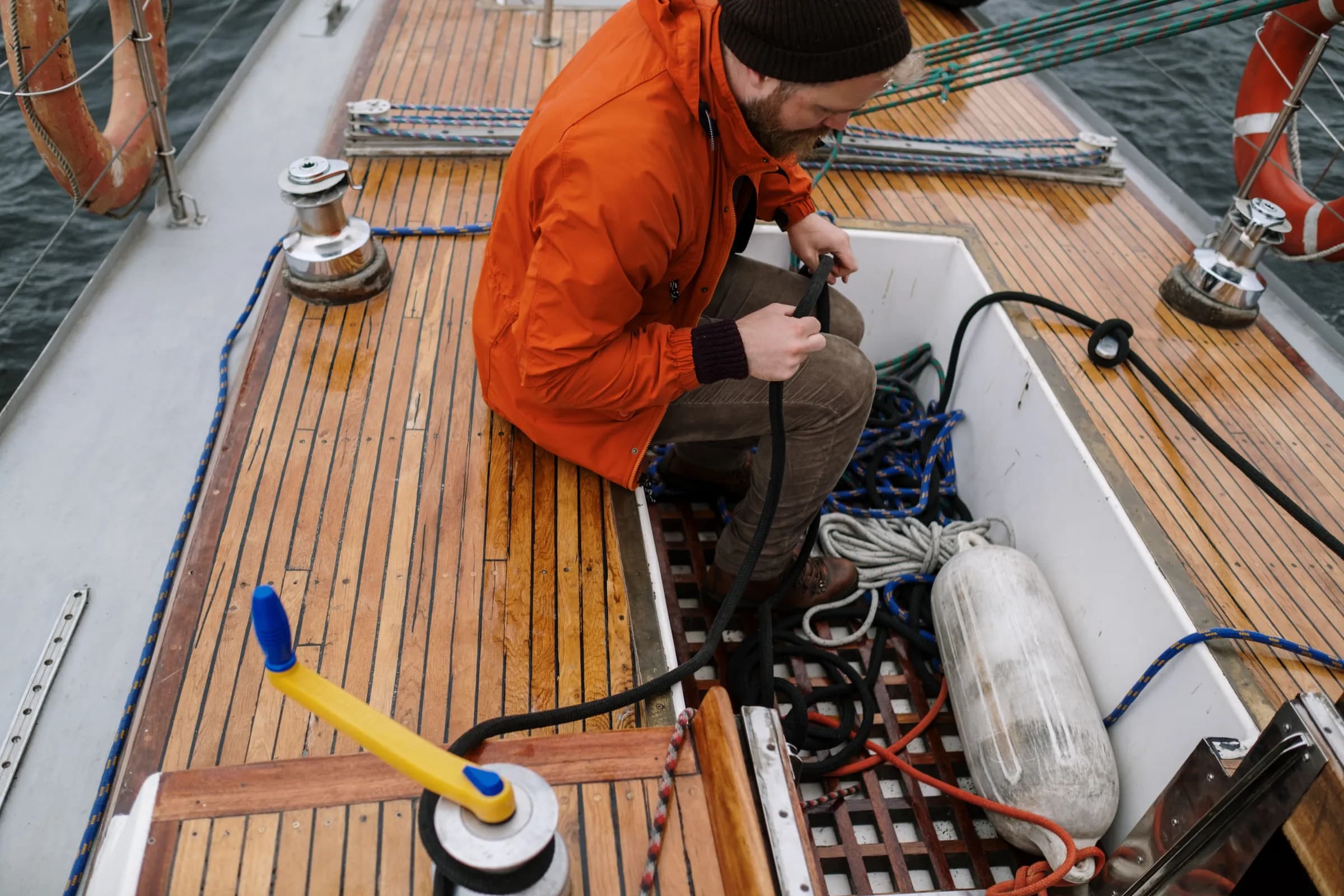
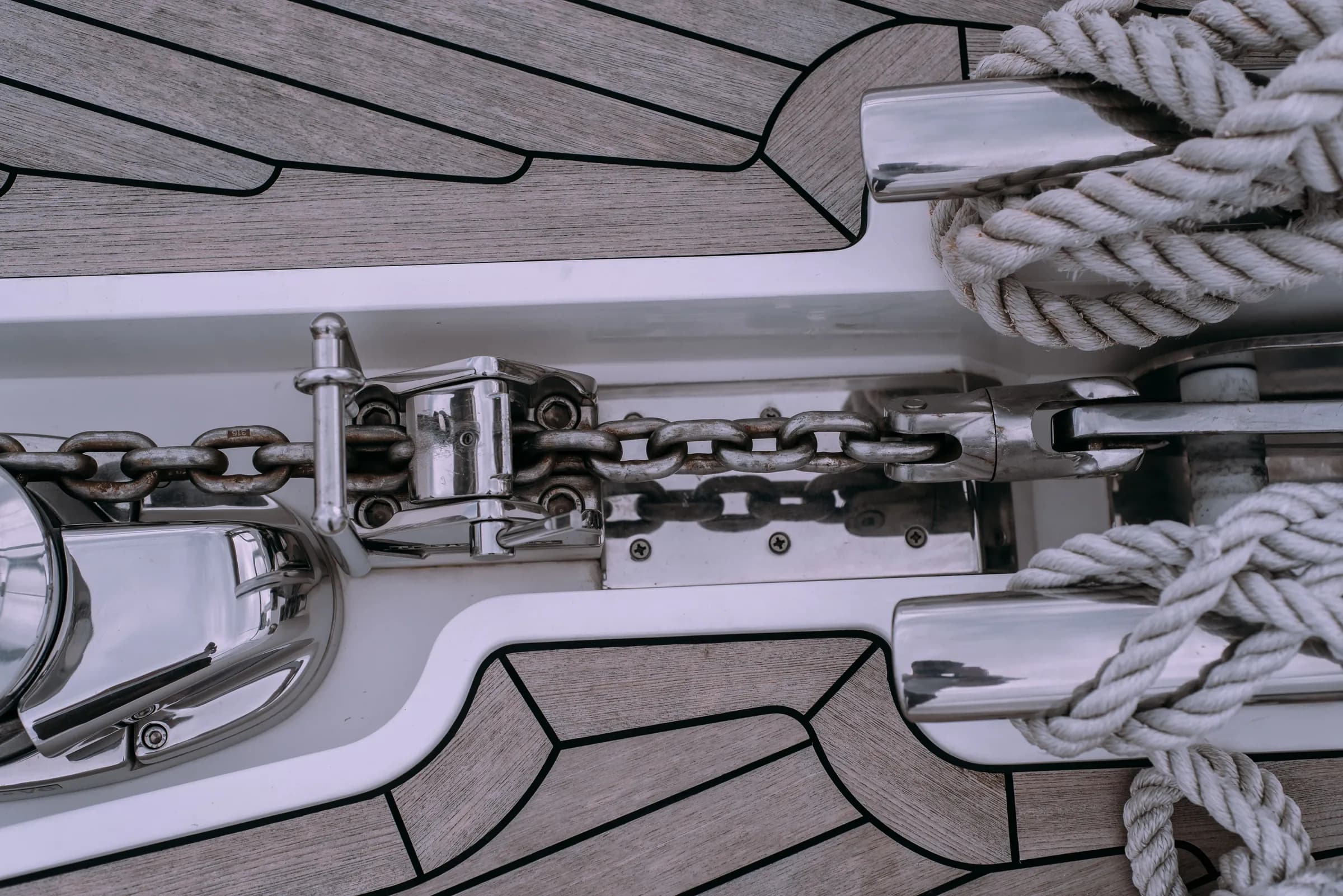
The windlass how-to video, its handover photo and its fault history sit on the same line.
There is no price list. Each quote is based on fleet size, languages and setup scope.
- Drawing
- Poyraz, Aegean 46 sailing yacht. Equipment plate.
- Drawing no.
- YO-46-001
- Rev.
- B
- Scale
- 1:100
- Sheet
- 1 / 1
Select equipment
- Guide
- Using the anchor windlass (Video)TRENRU
- Anchoring: chain length and drag check (Procedure)TREN
If there is no RU version, the captain sees the EN version with a badge.
- Check-in
- Remote up/down test, 2 photos.
- Fault
- No open fault reports.
- Guide
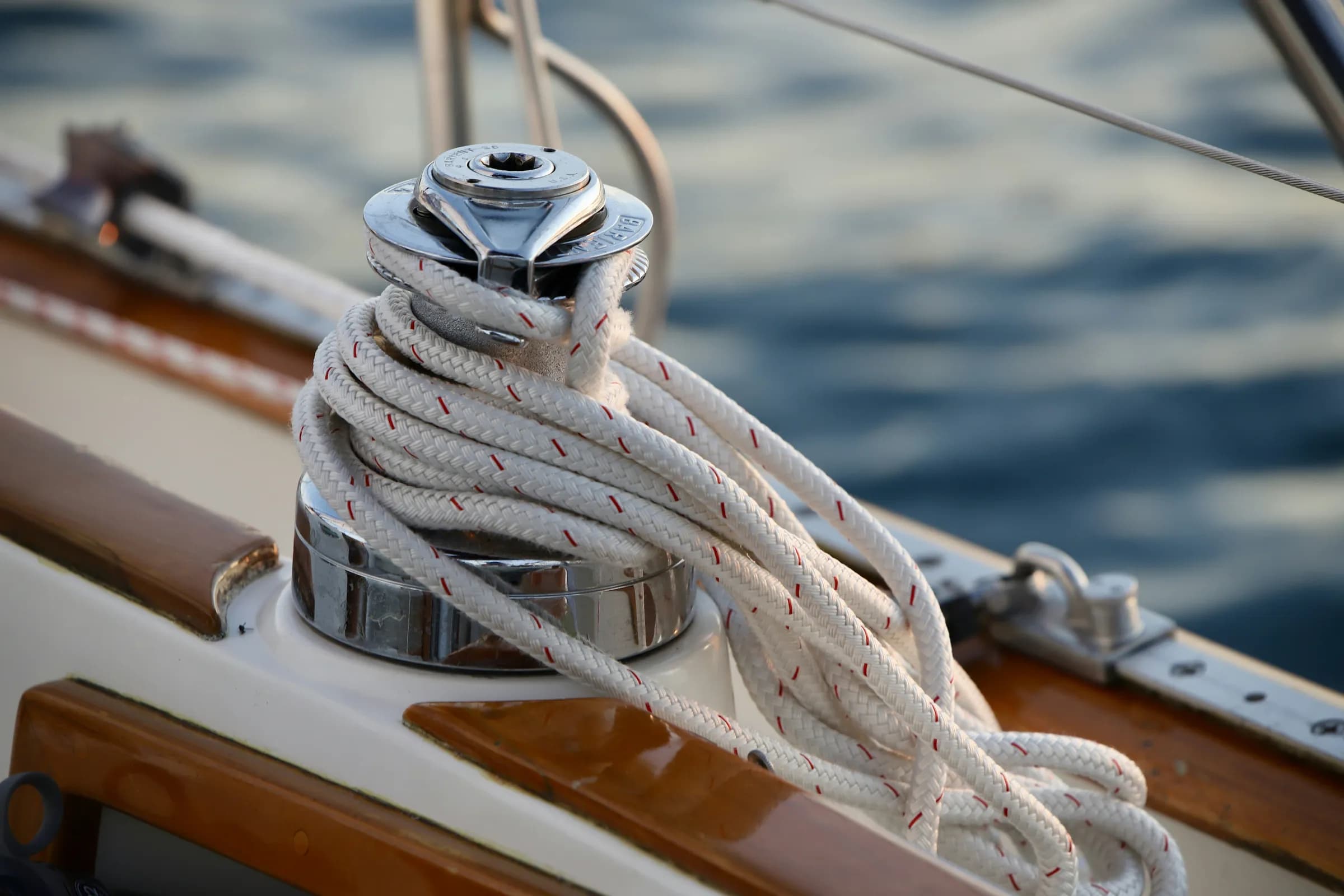
- Using the roller-furling genoa (Video)TREN
- Genoa furler jammed (Troubleshooting)TREN
If there is no RU version, the captain sees the EN version with a badge.
- Check-in
- Furling line and UV strip condition, 1 photo.
- Fault
- No open fault reports.
- Guide
- Using the in-mast furling mainsail (Video)TREN
- Mainsail jammed (Troubleshooting)TREN
If there is no RU version, the captain sees the EN version with a badge.
- Check-in
- Unfurl and furl test.
- Fault
- Mainsail jammed. The captain logged it at sea, offline; it was sent once a connection returned. Assigned to a technician.
- Guide
- Electric sheet winch: operation and safety (Article)TREN
If there is no RU version, the captain sees the EN version with a badge.
- Check-in
- Both winches tested under power.
- Fault
- No open fault reports.
- Guide
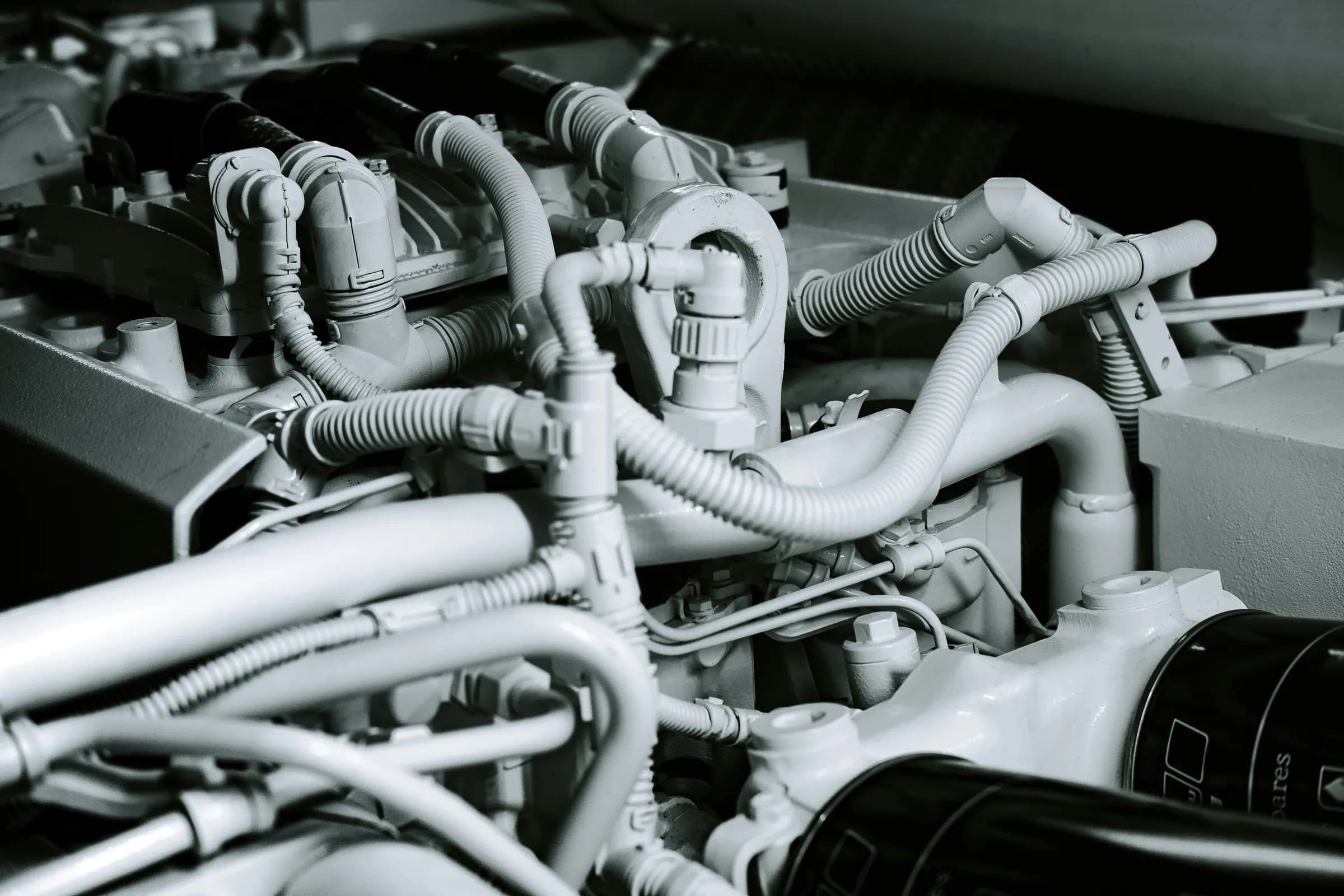
- Pre-start checks (Video)TRENRU
- Engine won’t start (Troubleshooting)TRENRU
- Overheating, no cooling water at the exhaust (Troubleshooting)TRENRU
- Check-in
- Engine hours 1,284; oil and coolant checked.
- Fault
- No open fault reports.
- Guide
- Poyraz: electrical panel and battery switches (Video)TREN
If there is no RU version, the captain sees the EN version with a badge.
- Check-in
- Battery voltage 12.8 V. This video was filmed for Poyraz’s panel only.
- Fault
- No open fault reports.
- Guide
- Bilge pump and rising bilge water (Procedure)TRENRU
- Check-in
- Automatic and manual pump test. Safety content: not published until approved in all three languages.
- Fault
- No open fault reports.
The same four faults, every season.
In yacht charter, problems usually start in the process before they reach the boat. As in any manual: symptom, cause, remedy.
| Symptom | Cause | In YachtOS |
|---|---|---|
| Damage turns up at return, and nobody agrees whose charter it happened on. | The handover is on paper; the photos are on a staff member’s phone or in a chat group. | A checklist per boat, required photos tied to items, check-out side by side with check-in values, and a PDF report the captain sees. See Fig. 3–6 |
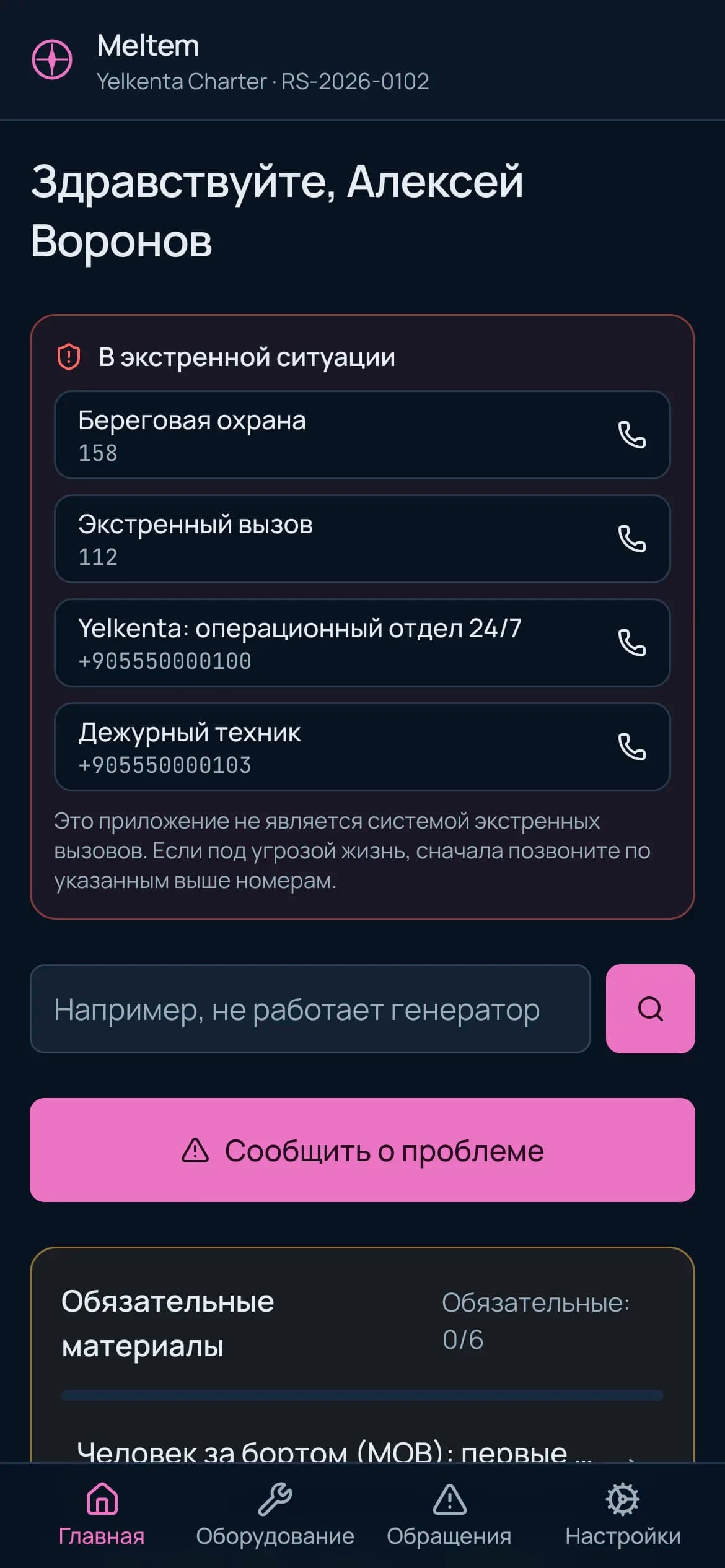
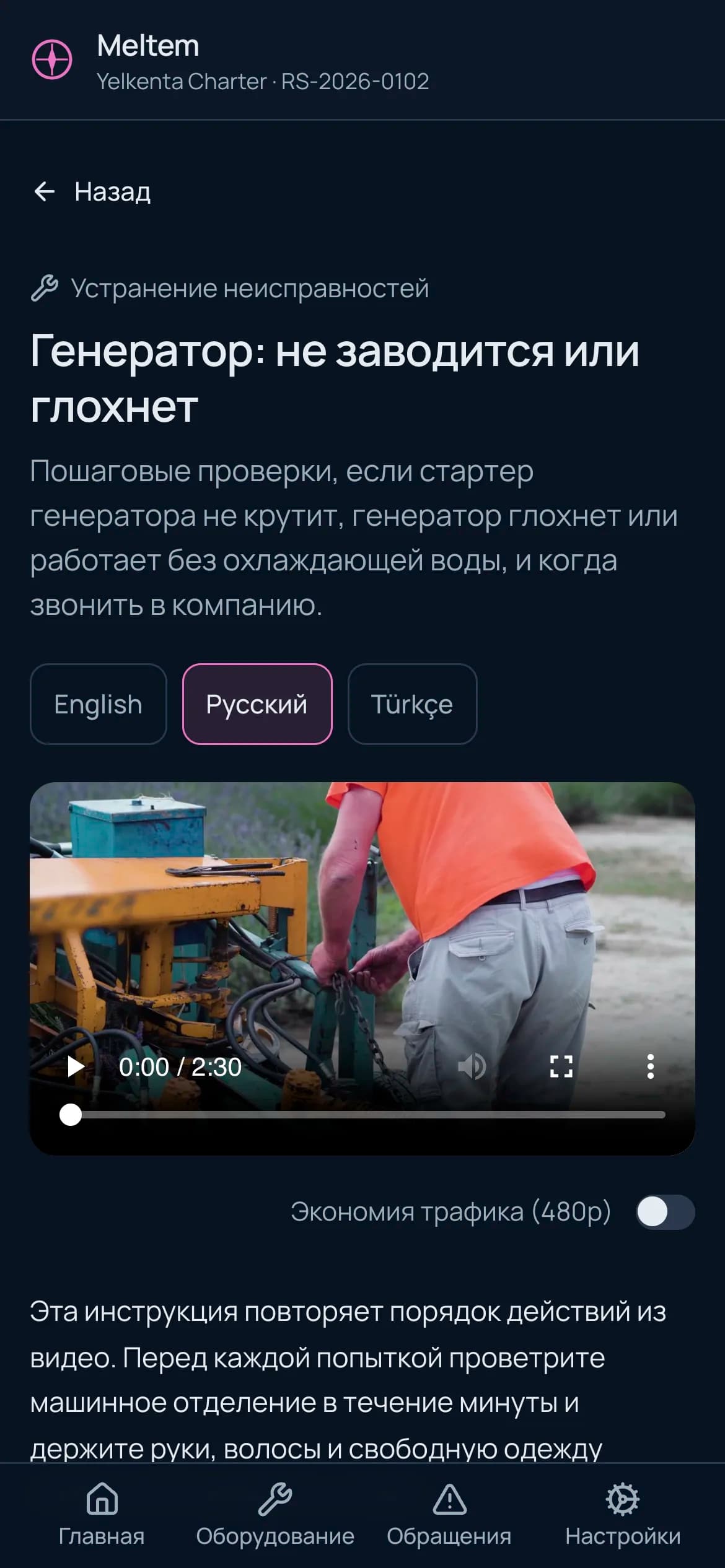
| At sea, the captain can’t start the generator and calls the office. | Equipment is explained verbally at each handover, in a hurry and often in one language. | Videos and guides tied to the equipment on that boat, in the captain’s language. They open offline in the mobile app. See Fig. 9–10 |
| Faults are reported by phone; nobody knows who owns them or when they were closed. | No record, no owner, no deadline; no fault history builds up per item of equipment. | Fault reports with evidence, assignment, SLA timer and history per item. A boat with an open critical fault is not handed over. See Fig. 7–8 |
| On turnaround day, nobody knows which boat is ready. | Cleaning and preparation are not tracked boat by boat. | Check-out opens the cleaning task itself. Check-in cannot start on a boat that is not ready. See Fig. 11–12 |
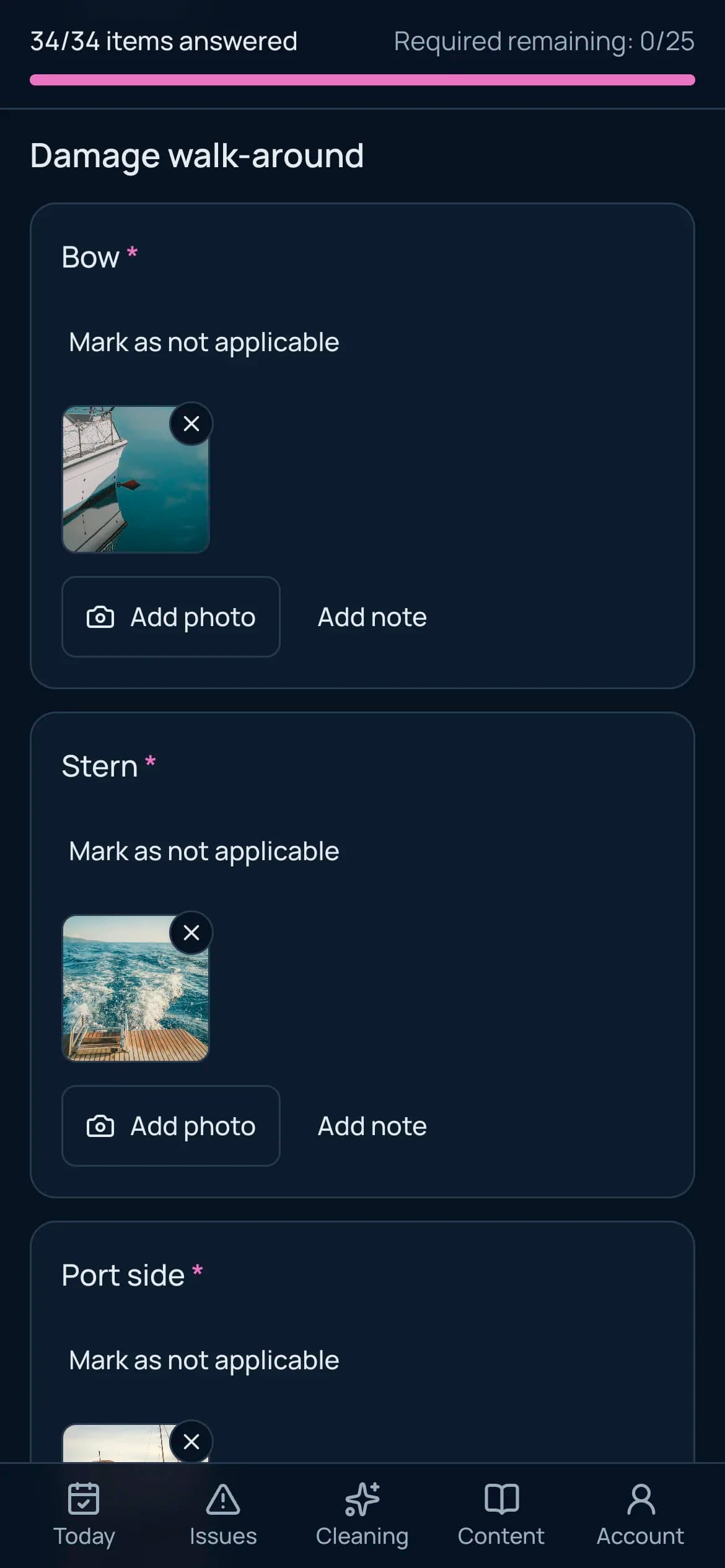
A handover report, with evidence.
Each boat has its own check-in template: shared items plus additions specific to that boat. Staff tick off items on a tablet or phone and attach photos to them. The check-out template is generated from the check-in; readings appear side by side and the difference is calculated.
- The template is frozen at the time of charter; later edits never change past records.
- The PDF report is generated in the captain’s language, Cyrillic included.
- The captain accepts the report or disputes it with a written reason; the dispute is recorded too.
| Item | Check-in | Check-out | Difference |
|---|---|---|---|
| Engine hours, port | 812 | 839 | +27 h |
| Engine hours, starboard | 809 | 836 | +27 h |
| Generator hours | 1,102 | 1,131 | +29 h |
| Fuel | 4/4 | 2/4 | −2/4 |
| Freshwater | 4/4 | 1/4 | −3/4 |
| New damage | — | 1 | Starboard bow, gelcoat scratch, photographed |

A fault at sea becomes an owned record in the office.
The captain reports the problem from their phone and adds a photo. With no signal, the report waits on the device and is sent as a single record once a connection returns. Operations sets the severity and assigns a technician; the SLA timer starts.
- Report
Reported
By captain or staff, offline included. With a photo and the equipment selected.
- Triage
Acknowledged
Severity, affected equipment, person responsible.
- Response
In progress
Comment thread, new evidence, running SLA timer.
- Closure
Resolved
Resolution note. The record is added to the equipment’s history.
Critical severity: the boat is locked for its next check-in
- Acknowledgement target: Reported → Acknowledged
- Resolution target: Reported → Resolved

A boat with an open critical fault is locked for its next check-in. Only an authorised person can unlock it, with a written reason.
YachtOS is not an emergency system. When a critical report is opened, 112, Coast Guard 158, VHF channel 16 and your company’s 24/7 line appear on screen.
The captain finds the right guide in their own language.
Content is linked to an equipment model, a boat model or the equipment of a single boat. Captains only see content for equipment on the boat they chartered: on a boat with a different engine, that engine’s video does not appear.
- Search works in Turkish, English and Russian: “engine won’t start”, “windlass how to”.
- The mobile app downloads a content pack; it can be read and watched offshore without internet.
- Safety content is never published without human approval; each language is approved separately. When the source text changes, translations are marked as outdated.
- AI Studio drafts transcripts, translations and dubbing; the editor decides what is published.
Captains don’t create an account. After check-in they sign in with a one-time code sent by SMS or email; access is limited to the charter period.
Turnaround day, boat by boat.
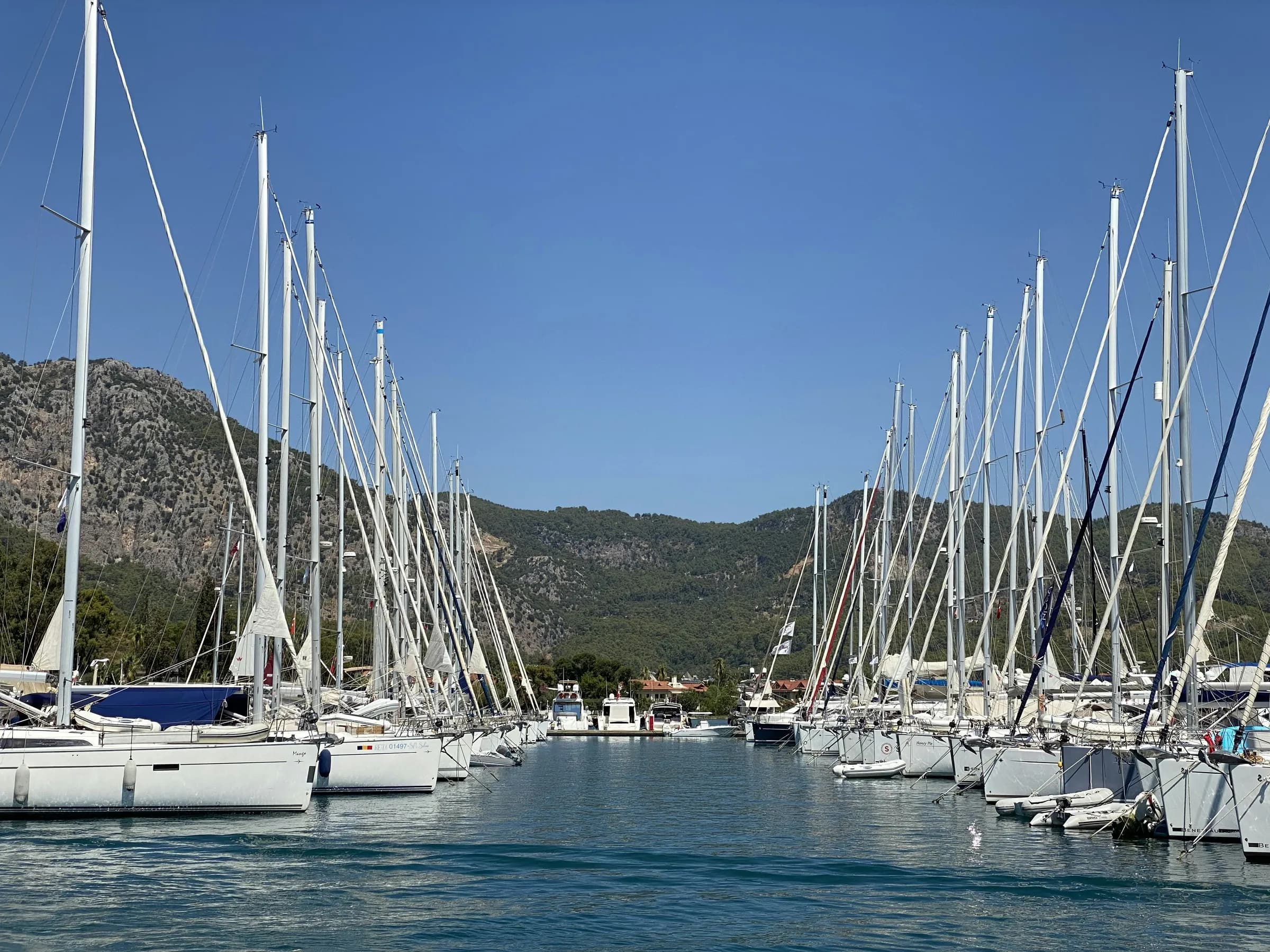
When check-out is complete, a cleaning task opens automatically and is assigned to the crew. Once the task is closed with before and after photos and approved, the boat is ready. Check-in cannot start on a boat that is not ready; a forced exception is recorded with its reason.
A sample Saturday, Göcek
- Poyraz check-out. 1 new damage, photographed.
- Cleaning task opened and assigned to the crew. Target: 3 hours.
- Cleaning approved. Saloon, galley and 3 heads photographed.
- Poyraz ready.
- Poyraz check-in. New captain, Russian.
Sample data: YachtOS pilot set

Who sees what, who changes what: you decide.
Roles are not preset; your company builds its own role matrix. Every permission comes with a scope: own records only, those assigned to them, or all. Someone without read permission cannot even see that a record exists.

- Permission changes and critical actions are written to an audit log.
- Each company runs on its own installation; your data never sits in another company’s database.
- KVKK/GDPR data requests and anonymisation of captain data are handled from the dashboard.
- Reports: fault resolution times, cleaning, content views, check-in completion.
How we start
- 1
Discovery
We review your fleet, your equipment list and your current handover forms together.
- 2
Pilot
We start with a few boats: templates, roles and the first guides are prepared, and staff are trained.
- 3
Season
The rest of the fleet is added. Your installation runs on a server dedicated to your company.
The interface is available in Turkish, English and Russian today. Adding a language is translation work, not a software change.
Request a quote.
YachtOS has no fixed price list; we prepare each quote for your fleet. Include the following in your email and we can be specific from the first call:
- 1Number and types of boats (sailing yacht, catamaran, motor yacht)
- 2Your marinas or bases
- 3Languages your captains speak
- 4How you handle check-in today
- 5The season you plan to start